Building My First Homelab
Today I got my first two Seagate Ironwolf HDD's. Both are 4 terabytes in size and eventually, once I find another good deal, I will be purchasing another two to use as a mirror. My goal is to have at least 8 terabytes of space for me and my partner to use for personal files, work files and PC/phone backups.
Since I have a lot of raw photos, video game roms and misc large design files with a huge collection of assets I will probably be using more than her so this venture is going to be primarily built and financed by me. It's also become a passion project of mine to disconnect from all the subscription services and big tech companies I can since the majority of them are US based and they all seem to be becoming a black hole for my time, attention and money.
The Rabit Hole
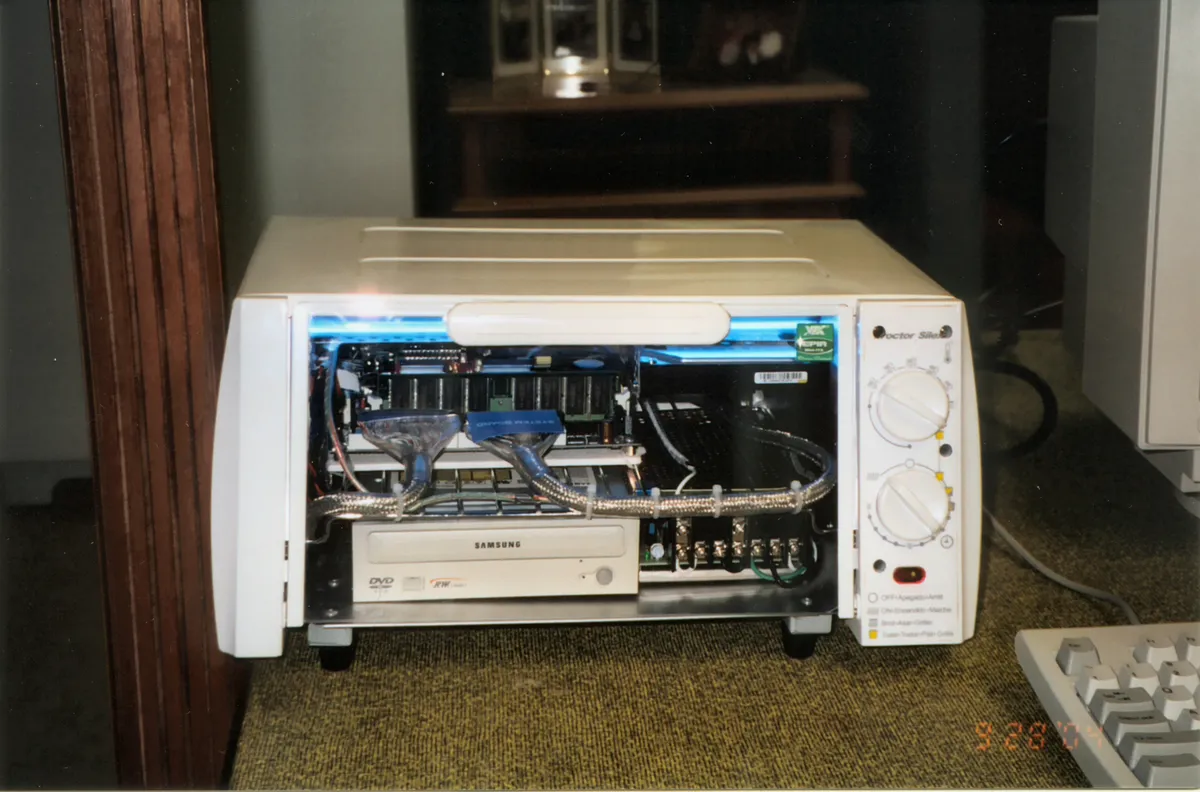
The world of homelabbing is honestly quite overwhelming. There's so many different ways to configure a homelab and so many hardware options to consider. I've spent the last 3 months doing a lot of research on my more difficult 'pain days' when all I can muster is a couple YouTube videos or reading some Reddit posts. It seems to be a much better use of my time than endless scrolling or fretting about my health, AI or geopolitics.
It seems the easy part is over already. I have the hard drives but now comes the time for me to decide what hardware would be the cheapest and most effective for my use case. I currently have an old 2014 Mac Mini that runs my Jellyfin server on MacOS, this is clunky and I really don't need a whole OS installed for this.
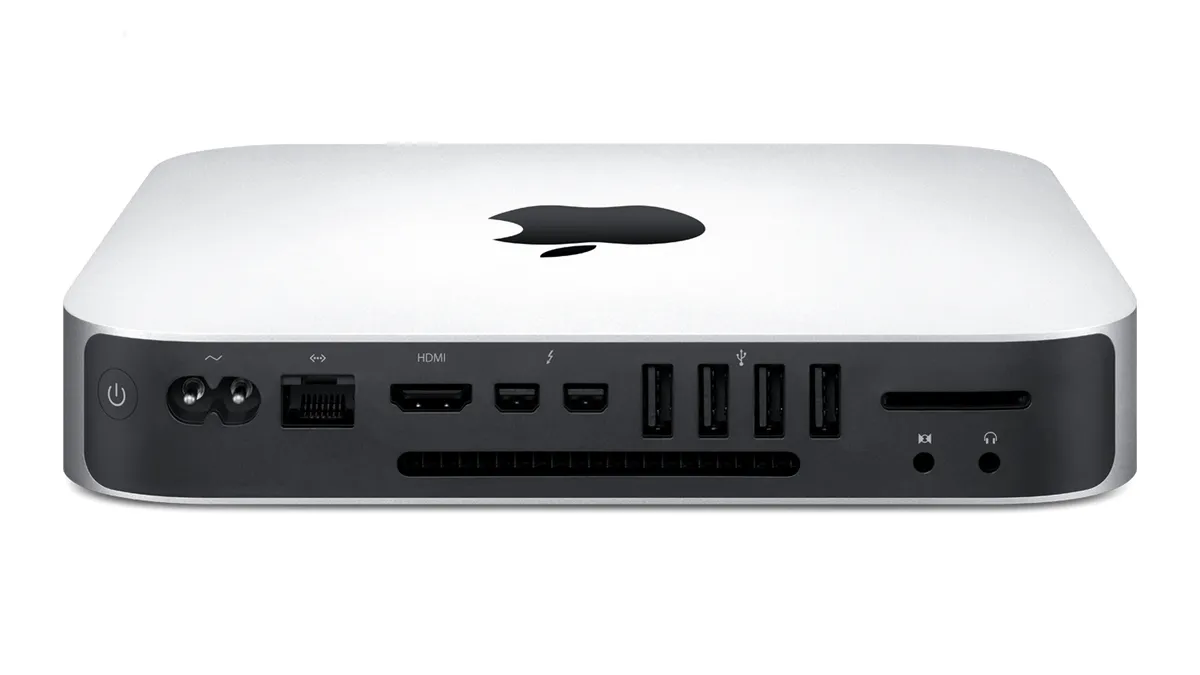
I have considered making it into a Frankenstein's monster of a homelab but I don't think it's old CPU and little RAM will be able to handle everything I want to throw at. I've also heard the EFI system can be weird to work with but maybe there's a chance I can get a lightweight linux OS to install with rEFIned Boot Manager??
If I went this route it would still be costly. I'd have to buy a DAS to hold the drives if I want to have all 4 connected over thunderbolt. I do have an old USB 3.0 upright hard drive enclosure with two slots, so I could still use it as a backup or a media mirror down the road. Tinkering around with it is still on the table (this is a threat).
There was a time when I also considered using a Raspberry Pi with a 'SATA hat' and some additional accessories, but again, this would probably cost almost as much as getting a used server or gaming rig and the ARM based CPU might not be powerful enough. Though the biggest upside to that would be the low power consumption and small form factor.
High levels of power consumption on idle will be my biggest enemy it seems. In theory a better option would be to get an older gaming PC or server old off of FB Marketplace but I really don't know how I'll ensure it won't suck down power like a pint of beer during Oktoberfest. I'm still a huge noob here and I don't want to spend a ton of time learning how to undervolt CPU's or manage current without breaking things through the BIOS, maybe someday though.
If I really had the money I'd just get a new mini PC and a DAS off Amazon but since I'm Canadian. The prices for these things have been pretty wonky. I imagine it would be $400-$800 to get a decent hardware combo.
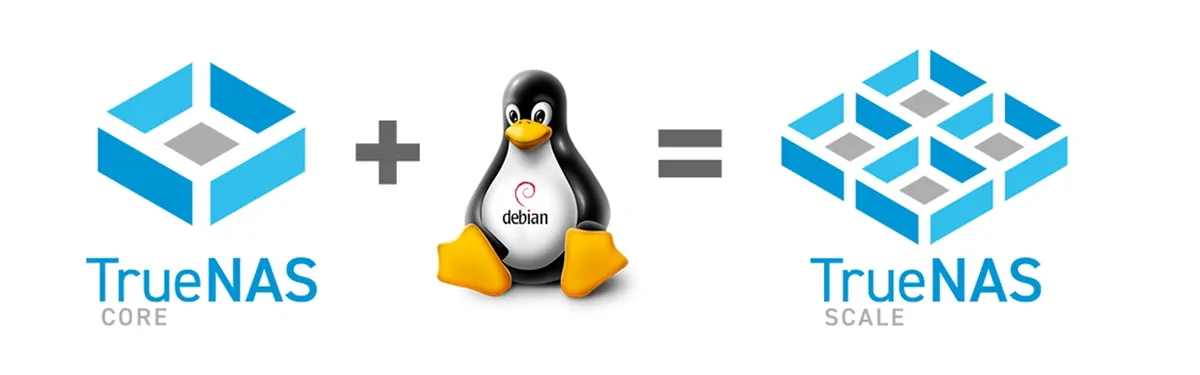
So I'm going to continue my research and maybe tinker around with my Mac Mini and an old laptop I have somewhere in the house. I just need to get a feel for some of the software options. I'm thinking of going to TrueNAS Scale.
Proxmox seems to have a lot more versatility but I'm honestly kind of scared of setting it up. Even after watching a bunch of tutorials I just feel like TrueNAS would be much more beginner friendly. I've also heard ZimaOS could be a good option but I don't see a lot of educational content around for it and it seems like it's heading into a larger subscription based ecosystem like Unraid and I'm not a big fan of that.
I will continue to update as I struggle through the tinkering and decision making process.
Side note: I need to figure out how to automatically attach an email reply button and add a guestbook to my blog. Until then, he's my copy-pasted email subtext below, lol.
Something to add? Want to talk about it? Email me directly